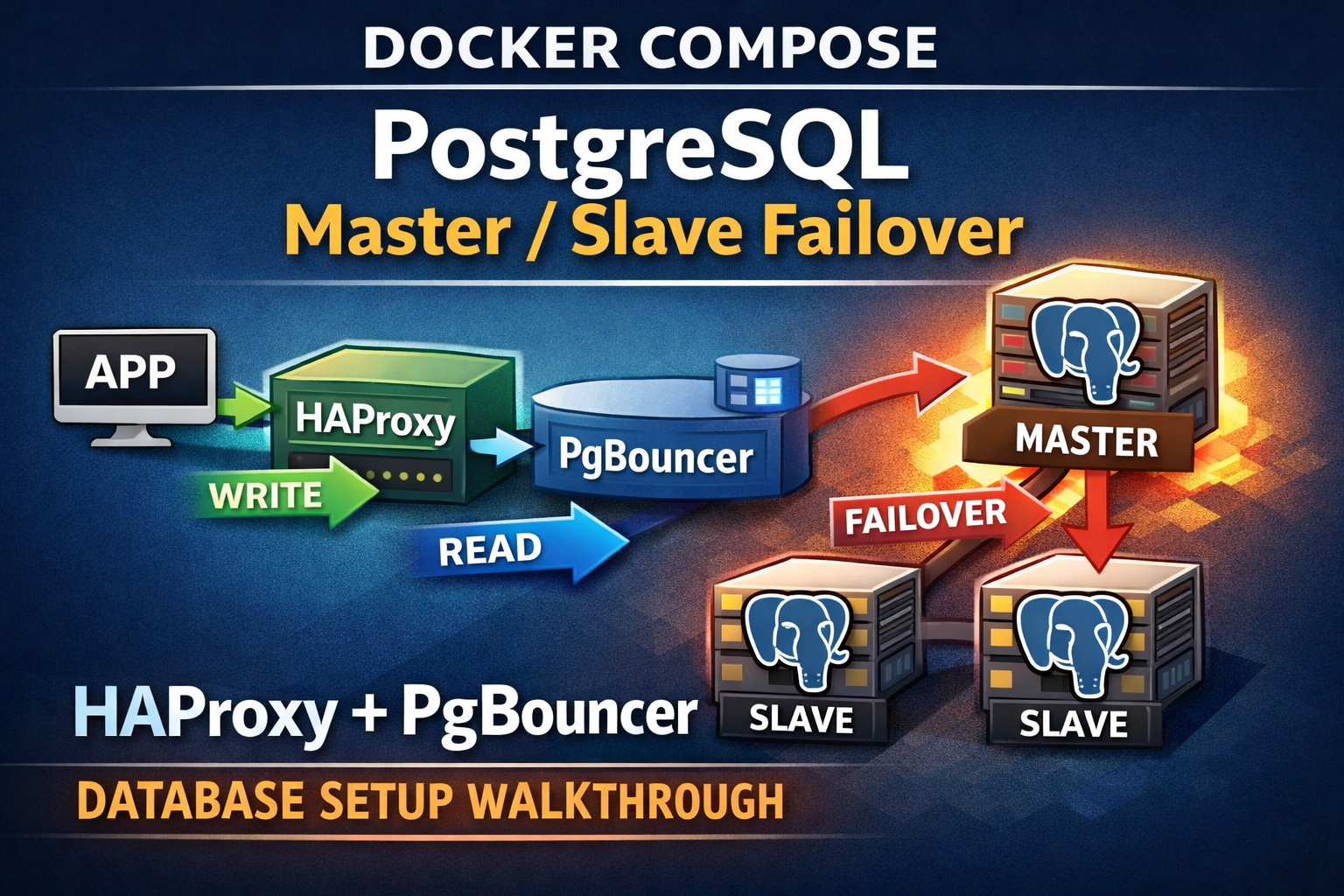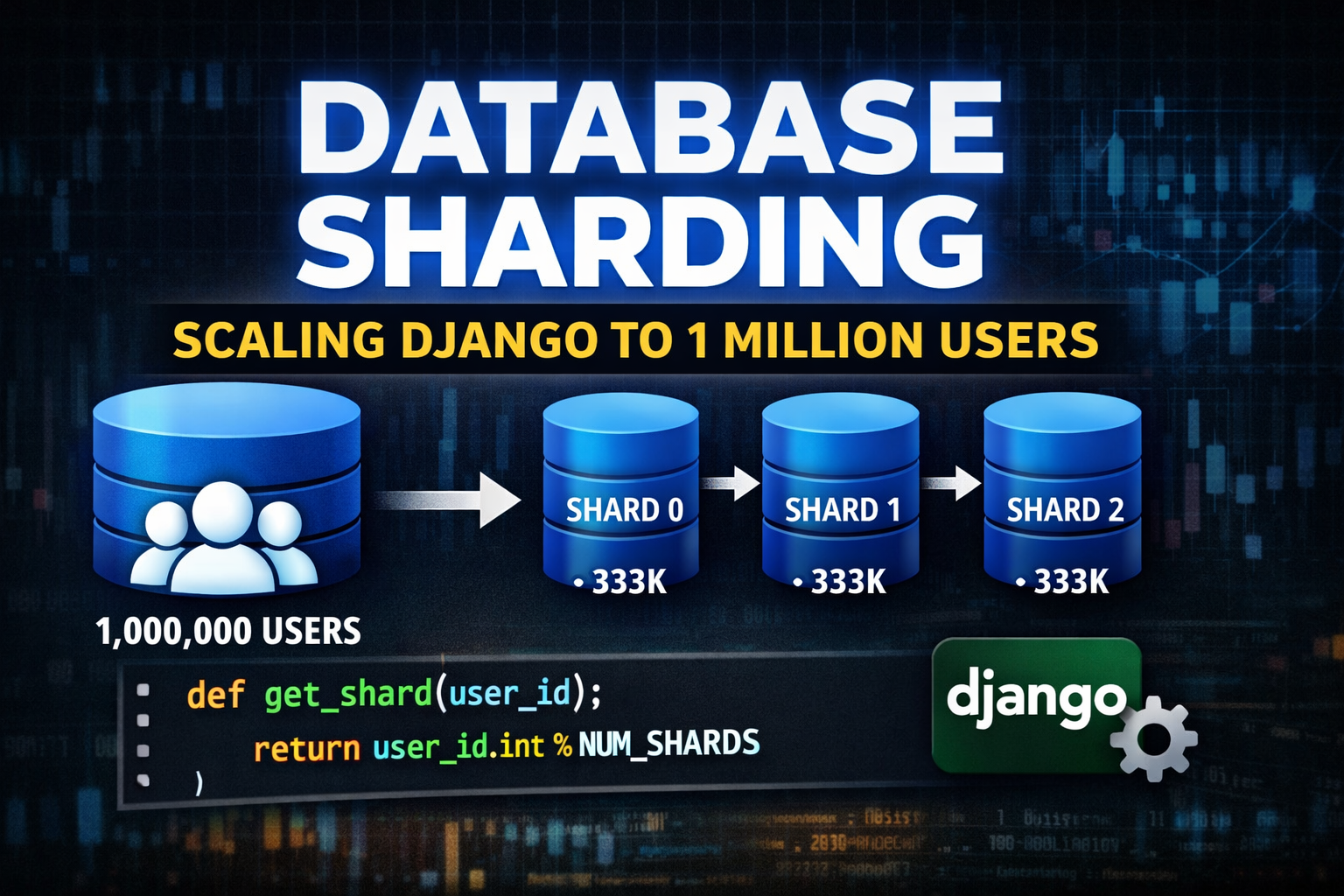
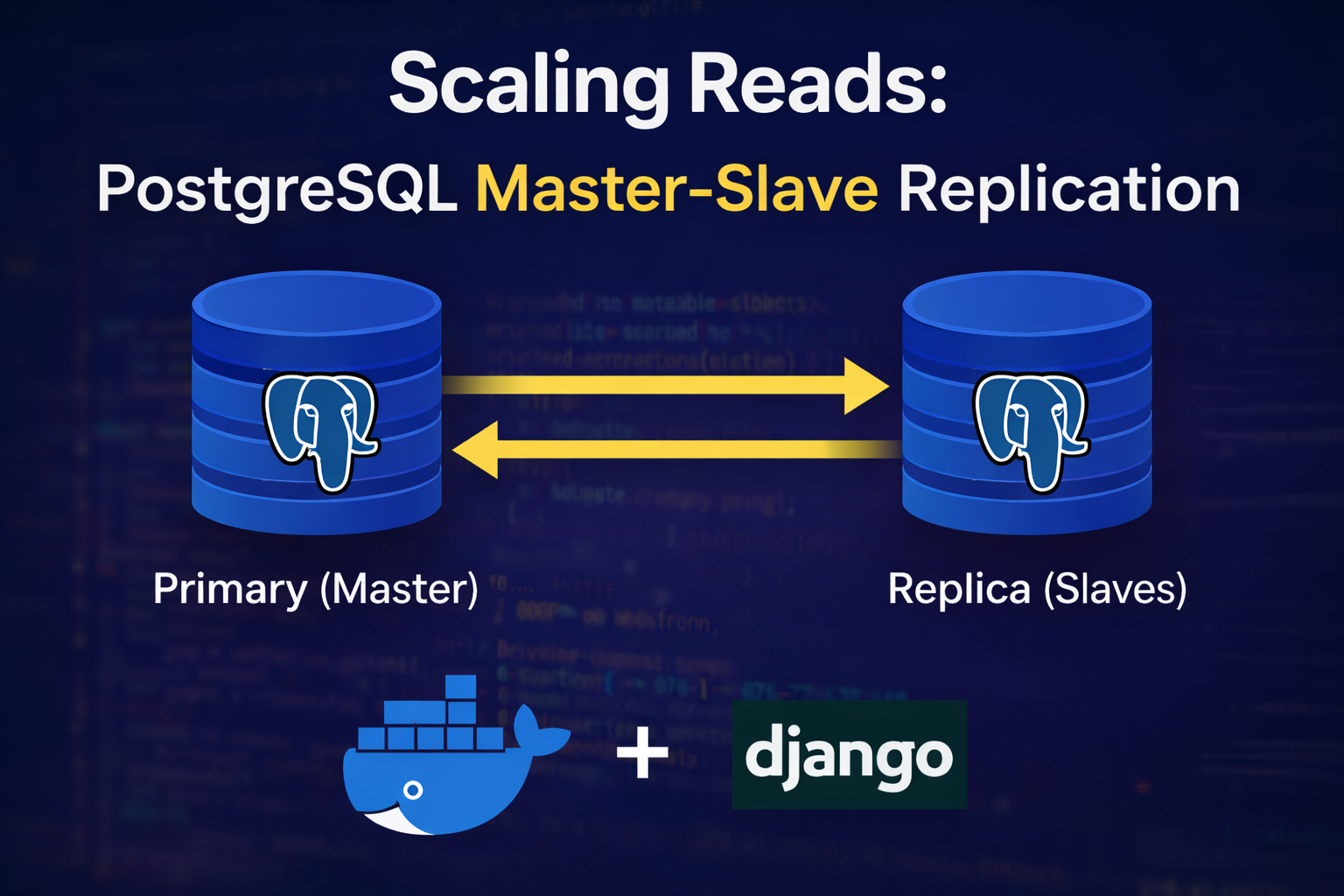
Scaling Reads: A Deep Dive into PostgreSQL Master-Slave Replication with Docker
As part of my journey into System Design, I recently tackled one of the most fundamental concepts for scaling applications: Database Replication.
Specifically, I implemented a Master-Slave (Primary-Replica) architecture using PostgreSQL and Docker Compose.
In this post, I’ll break down:
- The architecture
- How replication is configured internally
- How traffic is routed in Django
- Results from a real-world bulk load stress test
🏗️ The Architecture
The goal is simple: Distribute the load.
-
Primary Database (Master)
Handles all write operations (INSERT,UPDATE,DELETE).
It is the source of truth. -
Replica Database (Slave)
Handles all read operations (SELECT).
It stays in sync with the Primary via asynchronous WAL streaming replication.
By separating reads and writes, heavy reporting or catalog queries don’t slow down users performing critical write operations.
🐳 The Heart of the Setup: Docker Compose
We don’t just spin up two Postgres containers — we orchestrate a replication handshake between them.
🔁 How PostgreSQL Replication Actually Works (Behind the Scenes)
At first glance, it might look like two containers magically stay in sync.
But replication works because of several important configurations happening under the hood.
🧠 1. WAL – The Real Hero
PostgreSQL does not copy tables row-by-row to replicas.
Instead, every change (INSERT, UPDATE, DELETE) is written to the Write-Ahead Log (WAL).
Think of WAL as a transaction diary.
The replica does not ask:
“What rows changed?”
It asks:
“What actions happened?”
Then it replays those actions locally.
This is why replication is extremely fast — it streams change logs, not full tables.
🔐 2. Configuring the Primary
Creating a Replication Role
In init.sql, we create a special role:
CREATE ROLE replicator WITH REPLICATION LOGIN PASSWORD 'replica_pass';This user is different from normal application users.
The REPLICATION privilege allows it to:
- Read WAL logs
- Perform base backups
- Stream changes continuously
Without this role, replication would fail.
Allowing Replication Connections
Inside init-replication.sh, we modify pg_hba.conf:
echo "host replication replicator 0.0.0.0/0 md5" >> "$PGDATA/pg_hba.conf"This tells PostgreSQL:
- Allow replication connections
- From the
replicatoruser - Using password authentication
In production, you would restrict IP ranges. For Docker-based local infrastructure, this is acceptable.
🧬 3. Bootstrapping the Replica
The replica does not:
- Run migrations
- Create tables
- Start with empty data
Instead, it clones the primary’s entire data directory.
Using pg_basebackup
pg_basebackup -h postgres-primary \
  -D "$PGDATA" \
  -U replicator \
  -v -P --wal-method=stream
This command:
- Connects to the primary
- Copies the full database cluster
- Immediately begins streaming WAL logs
It’s essentially saying:
“Give me your full current state, and keep sending me future changes.”
📡 4. Enabling Hot Standby Mode
After cloning, we create:
touch "$PGDATA/standby.signal"In PostgreSQL 12+, this file tells Postgres:
- Start in recovery mode
- Accept WAL streams
- Allow read-only queries
Without this file, the replica would try to behave like a primary.
🔗 5. Connecting Replica to Primary
We append this configuration:
echo "primary_conninfo = 'host=postgres-primary port=5432 user=replicator password=replica_pass'" >> "$PGDATA/postgresql.auto.conf"This tells the replica:
- Where the primary lives
- Which user to authenticate with
- How to connect
From that moment:
- Primary writes data
- WAL is generated
- Replica receives WAL
- Replica replays WAL
- Data stays in sync
Continuously.
⚠️ Important: Migrations Run Only on Primary
In Docker Compose:
command: >
  bash -c "python manage.py makemigrations && python manage.py migrate &&
           python manage.py runserver 0.0.0.0:8000"
Migrations run only on the primary.
The replica never runs migrations.
Schema changes propagate via WAL — just like data changes.
Running migrations on the replica would break replication.
🧭 Final Mental Model
Primary = Writes + WAL generator Replica = WAL replayer + Read-only engine
Replication is not copying tables.
It is replaying history.
And that is why it feels almost instant.
🛣️ Routing Traffic in Django
To make this work at the application level, I implemented a Database Router in Django.
class PrimaryReplicaRouter:
    def db_for_read(self, model, **hints):
        return 'replica'

    def db_for_write(self, model, **hints):
        return 'default'
This ensures:
- All
SELECTqueries → Replica - All
INSERT/UPDATE/DELETE→ Primary
The application code stays clean. Infrastructure handles the routing.
🧪 Real-World Testing: The Bulk Load Challenge
To validate the setup, I built a modern Angular + Tailwind CSS frontend and performed a bulk upload test.
Scenario
-
Uploaded an Excel file with ~100 product rows.
-
Flow:
- Angular → Django API (POST) → Primary DB
- Primary → WAL stream → Replica
- Angular → Django API (GET) → Replica DB
📈 Observations
Replication Speed WAL streaming was nearly instant. Data appeared in the replica within milliseconds.
Data Consistency In this small-to-medium setup, I did not notice visible replication lag.
System Stability Because catalog reads were offloaded to the replica, the primary remained responsive during heavy inserts.
🏆 Conclusion
Master-Slave replication isn’t just for massive, Google-scale systems.
It’s a practical and powerful pattern whenever:
- Reads significantly outnumber writes
- Reporting queries are heavy
- You want cleaner infrastructure separation
This experiment proved:
- Async replication is extremely fast.
- WAL-based streaming is efficient and reliable.
- Infrastructure-level routing keeps application logic clean.
- Docker makes production-grade database patterns reproducible locally.
Follow my journey as I continue exploring deeper System Design patterns 🚀