
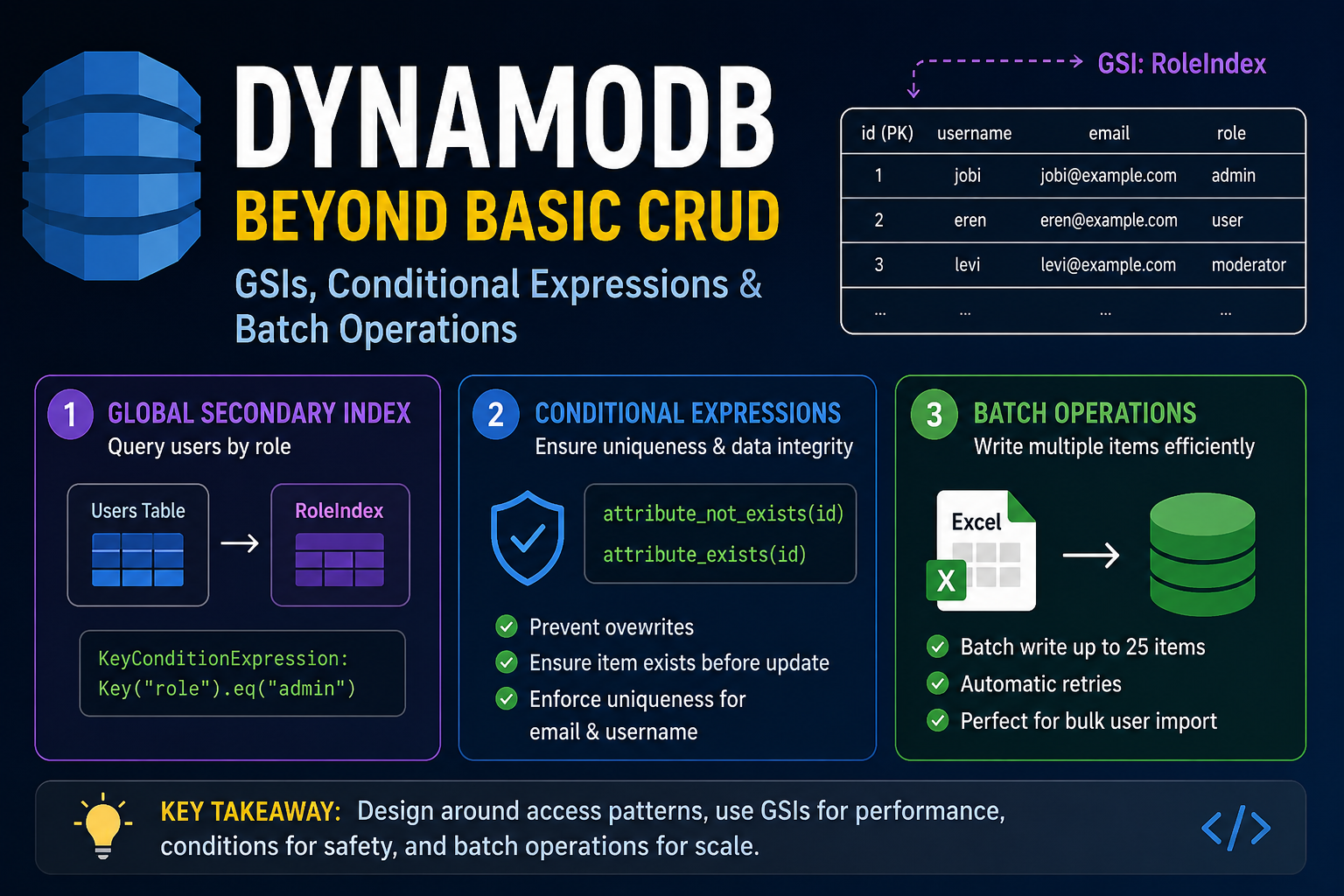
Once I completed the basic CRUD operations, I explored some of DynamoDB's more powerful features. These features are commonly used in production applications to improve performance, support new access patterns, and efficiently handle bulk operations.
Adding a Global Secondary Index (GSI) After Table Creation
One of the advantages of DynamoDB is that you can add a new Global Secondary Index (GSI) even after the table has been created.
Initially, my table only supported queries by:
- User ID (Primary Key)
- Email
- Username
Later, I wanted to retrieve all users having the same role, such as:
- Admin
- User
- Moderator
Since querying by role was not supported by my existing table design, I added a new GSI called RoleIndex.
client.update_table(
    TableName=TABLE_NAME,
    AttributeDefinitions=[
        {
            "AttributeName": "role",
            "AttributeType": "S",
        }
    ],
    GlobalSecondaryIndexUpdates=[
        {
            "Create": {
                "IndexName": "RoleIndex",
                "KeySchema": [
                    {
                        "AttributeName": "role",
                        "KeyType": "HASH",
                    }
                ],
                "Projection": {
                    "ProjectionType": "ALL"
                }
            }
        }
    ]
)
AWS creates the index in the background while keeping the table available for reads and writes.
After the index status changes to ACTIVE, it can immediately be used for queries.
Querying Users by Role
Unlike SQL, DynamoDB cannot query arbitrary attributes efficiently.
Queries must use either:
- Primary Key
- Global Secondary Index (GSI)
Once the RoleIndex was created, retrieving all administrators became straightforward.
def get_users_by_role(
    self,
    role: str,
    limit: int = 10,
    last_evaluated_key: str = None,
):
    query_kwargs = {
        "IndexName": "RoleIndex",
        "KeyConditionExpression": boto3.dynamodb.conditions.Key("role").eq(role),
        "Limit": limit,
    }

    if last_evaluated_key:
        query_kwargs["ExclusiveStartKey"] = {
            "id": last_evaluated_key
        }

    response = self.table.query(**query_kwargs)

    users = response.get("Items", [])
    last_evaluated_key = response.get("LastEvaluatedKey", {}).get("id")

    return users, last_evaluated_key
This allows requests such as:
GET /users?role=adminUnlike Scan, the Query operation only searches the RoleIndex, making it significantly faster and more efficient.
Conditional Expressions
One challenge I encountered was ensuring that every user had a unique email address and username.
A Global Secondary Index improves lookup performance, but it does not enforce uniqueness.
Before creating a new user, I first queried the database to check whether the email or username already existed.
if self.get_user(email=user_data.email):
    raise ValueError(
        f"User with email {user_data.email} already exists."
    )

if self.get_user(username=user_data.username):
    raise ValueError(
        f"User with username {user_data.username} already exists."
    )
Since the application generates a UUID for each user, I also used a ConditionExpression to prevent accidentally overwriting an existing item.
self.table.put_item(
    Item=user_item,
    ConditionExpression="attribute_not_exists(id)"
)
During updates, I ensured that the user already existed before applying changes.
self.table.update_item(
    Key={"id": user_id},
    UpdateExpression=update_expression,
    ExpressionAttributeNames=expression_attribute_names,
    ExpressionAttributeValues=expression_attribute_values,
    ConditionExpression="attribute_exists(id)",
)
If the condition fails, DynamoDB raises a ConditionalCheckFailedException, which can be converted into a meaningful application error.
These conditional expressions provide an additional layer of protection against accidental writes and updates.
Batch Operations
DynamoDB also supports writing multiple items efficiently using a batch writer.
Instead of inserting users one at a time:
for user in users:
    table.put_item(Item=user)
I used the built-in batch writer.
with self.table.batch_writer() as batch:
    for user_item in user_items:
        batch.put_item(Item=user_item)
The batch writer automatically:
- Groups requests into batches of up to 25 items.
- Retries unprocessed items.
- Simplifies bulk insert operations.
This made importing users from an Excel spreadsheet straightforward and efficient.
Validating Bulk Uploads
Before writing data into DynamoDB, I performed several validation checks.
The uploaded spreadsheet was validated to ensure:
- Required columns were present.
- Duplicate column headers did not exist.
- Email addresses were unique within the uploaded file.
- Usernames were unique within the uploaded file.
- Existing users in DynamoDB were not duplicated.
Only after all validation passed did the application write the records using the batch writer.
This approach prevents partial validation failures and keeps the uploaded data consistent.
What I Learned
While exploring these features, I gained a much better understanding of how DynamoDB is designed.
Some of my key takeaways were:
- New access patterns usually require a new Global Secondary Index.
Queryshould be preferred overScanwhenever possible.- Global Secondary Indexes improve lookup performance but do not enforce uniqueness.
ConditionExpressionhelps protect against accidental writes and updates.batch_writer()simplifies bulk insert operations and automatically handles request batching.- Bulk operations are not transactions. If atomicity is required, DynamoDB provides
TransactWriteItems, which I plan to explore next.
Jobi S S
admin
Sharing technical insights, engineering concepts, and practical modern software development guides.
Community Discussion
Enjoyed this read? Show your support or share your thoughts.