While learning AWS, I thought about a simple situation.
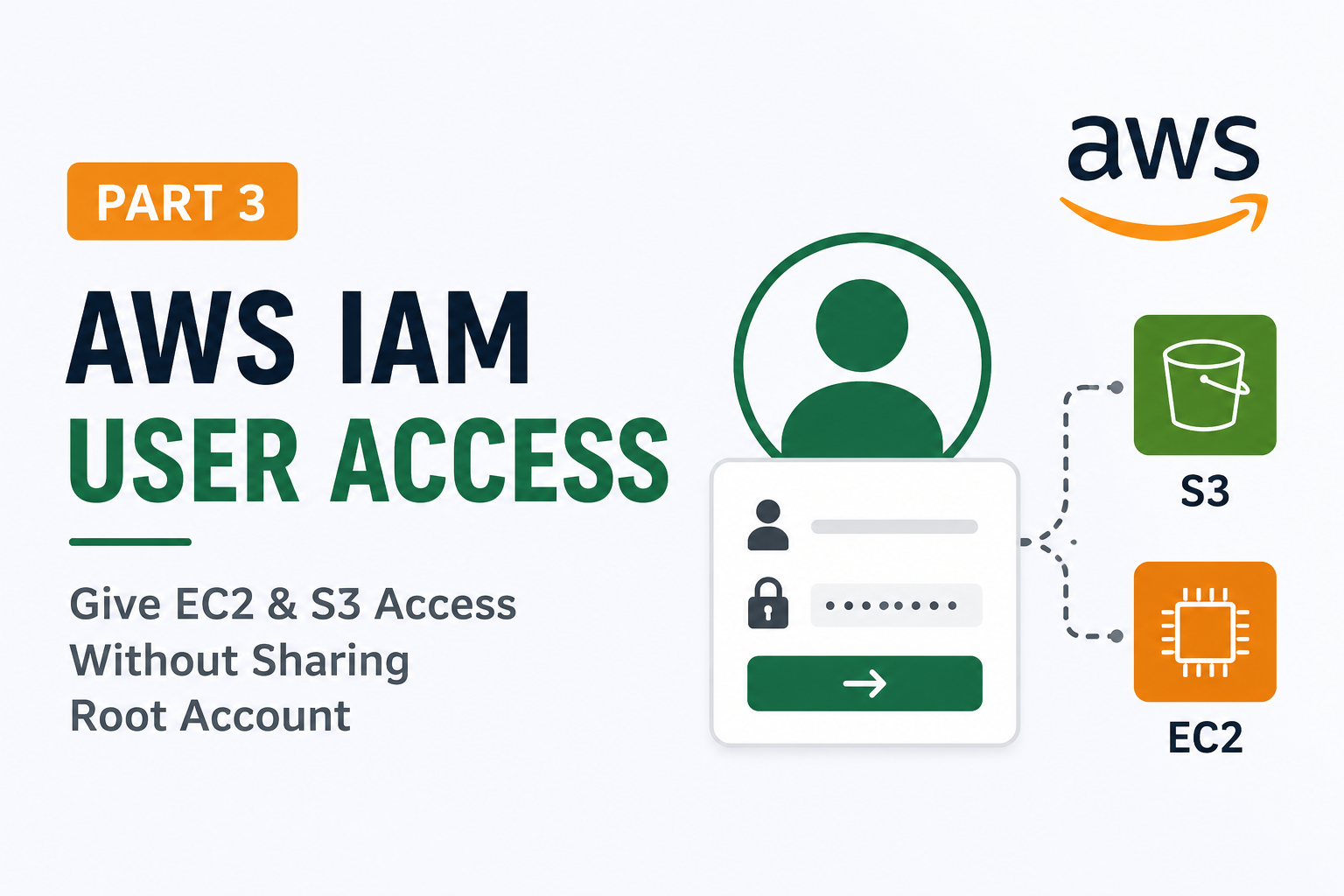
What if I wanted to give one of my friends access to my AWS account so they could work with EC2 and S3?
The first idea that came to my mind was sharing my root account.
But that isn't a good practice.
Instead, AWS provides IAM Users, which let us give someone only the permissions they need.
Why Not Share the Root Account?
The root account has full access to everything in your AWS account.
If someone accidentally deletes a resource or changes an important setting, it can affect the entire account.
That's why the root account should be used only when necessary.
For everyday work, it's better to create IAM Users.
My Learning Exercise
For this hands-on exercise, I created a new IAM User.
I went to:
IAM
→ Users
→ Create User
I gave the user a name and enabled access to the AWS Management Console.
Then I attached these AWS managed policies:
- AmazonS3FullAccess
- AmazonEC2FullAccess
These permissions allow the user to work with S3 buckets and EC2 instances without using the root account.
Logging In as the IAM User
After creating the user, AWS provided a sign-in URL similar to this:
https://<account-id>.signin.aws.amazon.com/consoleTo log in, I used:
- Account ID
- IAM Username
- Password
After signing in, I was able to access the AWS Console using the IAM User instead of the root account.
What I Learned
This simple exercise helped me understand why IAM Users are important.
Instead of sharing the root account, we can create different users and give each one only the permissions they need.
For example:
- A developer can have access to EC2 and S3.
- Another user can have read-only access.
- An administrator can have additional permissions.
This makes AWS accounts more secure and easier to manage.
Final Thoughts
This was a small learning exercise, but it helped me understand how AWS recommends managing access.
Instead of sharing the root account with other people, it's much safer to create IAM Users and assign the required permissions.
Next, I plan to learn how to create custom IAM policies, so users can have only the exact permissions they need instead of full access.
Jobi S S
admin
Sharing technical insights, engineering concepts, and practical modern software development guides.
Community Discussion
Enjoyed this read? Show your support or share your thoughts.