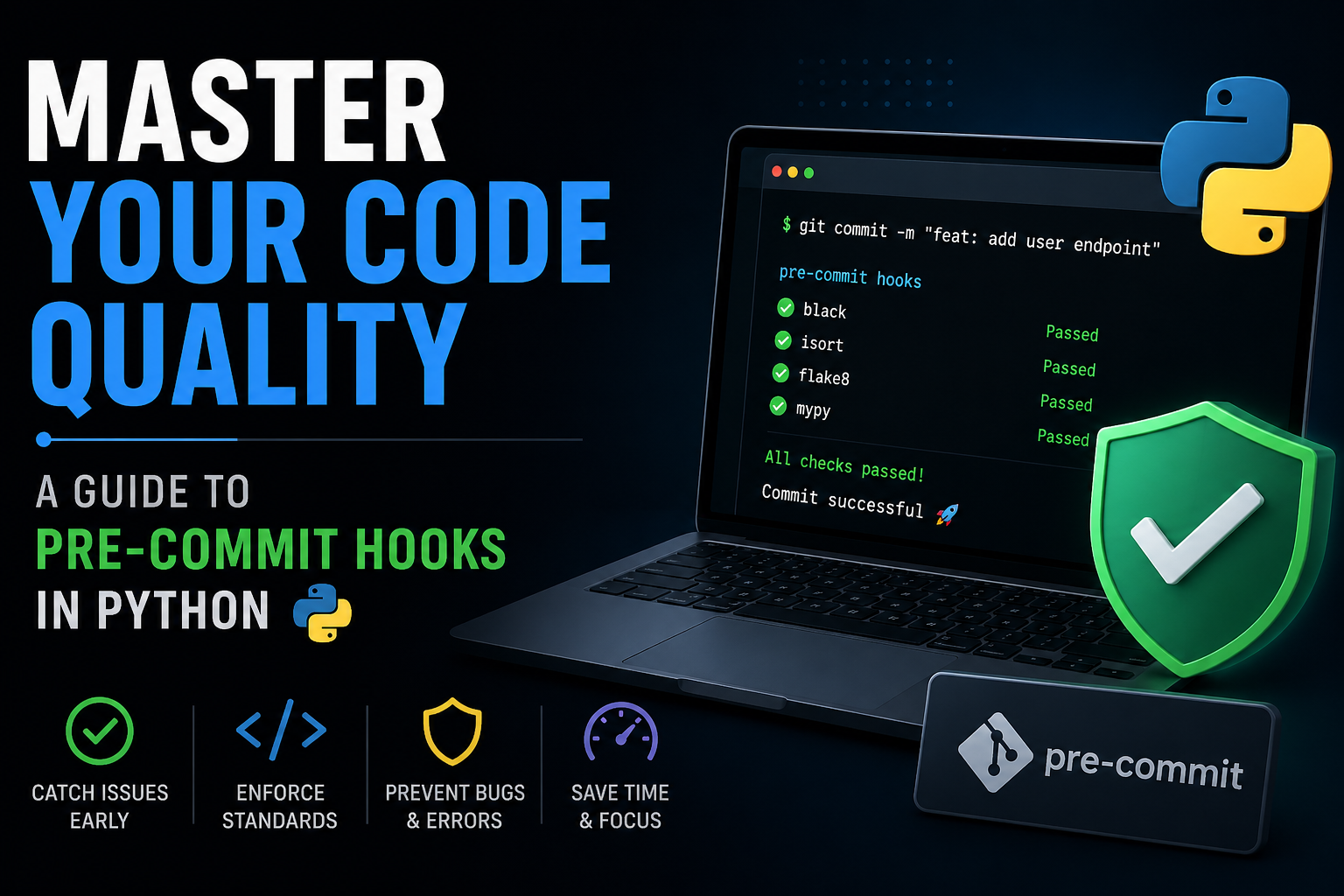
In modern software development, maintaining code quality and consistency across a team can be a challenge. Enter pre-commit hooks—the silent guardians of your codebase.
What are Pre-Commit Hooks?
Pre-commit hooks are scripts that run automatically every time you execute git commit. They act as a gatekeeper, checking your code for formatting issues, syntax errors, and missing files before the code even leaves your machine. If a hook fails, the commit is blocked, forcing you to fix the issues.
Why Use Them?
- Consistency: Ensures everyone on the team follows the same style (e.g., Black, Isort).
- Early Error Detection: Catches simple mistakes (like trailing whitespace or broken YAML) before they hit CI/CD.
- Cleaner Git History: No more "fix linting" commits.
- Automation: Saves time by automatically fixing minor issues like end-of-file newlines.
1. Getting Started: Adding Your First Hook
First, you need to install the pre-commit manager:
pip install pre-commit
# Or if using uv
uv add pre-commitCreate the Config File
Create a file named .pre-commit-config.yaml in your project root. Here is a basic "First Hook" setup using standard tools:
repos:
-   repo: https://github.com/pre-commit/pre-commit-hooks
    rev: v4.6.0  # Use the latest version
    hooks:
    -   id: trailing-whitespace
- id: end-of-file-fixerInstall the Git Hook
Run this command once to register the hooks with Git:
pre-commit installNow, every time you commit, these checks will run!
2. Expanding Your Arsenal: Adding More Hooks
As your project grows, you’ll want more specialized tools like Black (formatter) or Isort (import sorter).
Adding Hooks "In-Between"
Order matters! Hooks run sequentially. It is usually best to run formatters first and linters later. To add a new repo, just append it to the repos list:
repos:
-   repo: https://github.com/pre-commit/pre-commit-hooks
    rev: v4.6.0
    hooks:
    -   id: check-yaml
    -   id: end-of-file-fixer

# Adding Black below the basic hooks
-   repo: https://github.com/psf/black
    rev: 24.4.2
    hooks:
    -   id: black
        args: [--target-version, py312]

# Adding Isort at the end
-   repo: https://github.com/pycqa/isort
    rev: 5.13.2
    hooks:
    -   id: isort
args: ["--profile", "black"]3. Keeping Up to Date: Autoupdate
Tool authors release updates frequently with new features and bug fixes. Instead of manually checking versions, use the autoupdate command:
pre-commit autoupdateWhat it does:
- Checks the
repoURLs in your.pre-commit-config.yaml. - Finds the latest tags (versions).
- Updates the
revfields automatically.
[!TIP] Always run
pre-commit run --all-filesafter an autoupdate to ensure the new versions don't introduce unexpected changes to your codebase.
4. Pro Tips for Advanced Users
Run Manually
You don't have to wait for a commit to check your code:
pre-commit run --all-filesSkipping Hooks
If you have an emergency and need to commit despite a failing hook (use sparingly!):
git commit -m "Emergency fix" --no-verifyProfile Integration
When using multiple tools like Black and Isort, make sure they don't fight! Adding args: ["--profile", "black"] to Isort ensures it respects Black's formatting rules.
Conclusion
Pre-commit hooks are one of the highest-ROI tools you can add to a repository. They provide a frictionless way to enforce standards and keep your code beautiful.
Happy Coding! 🚀