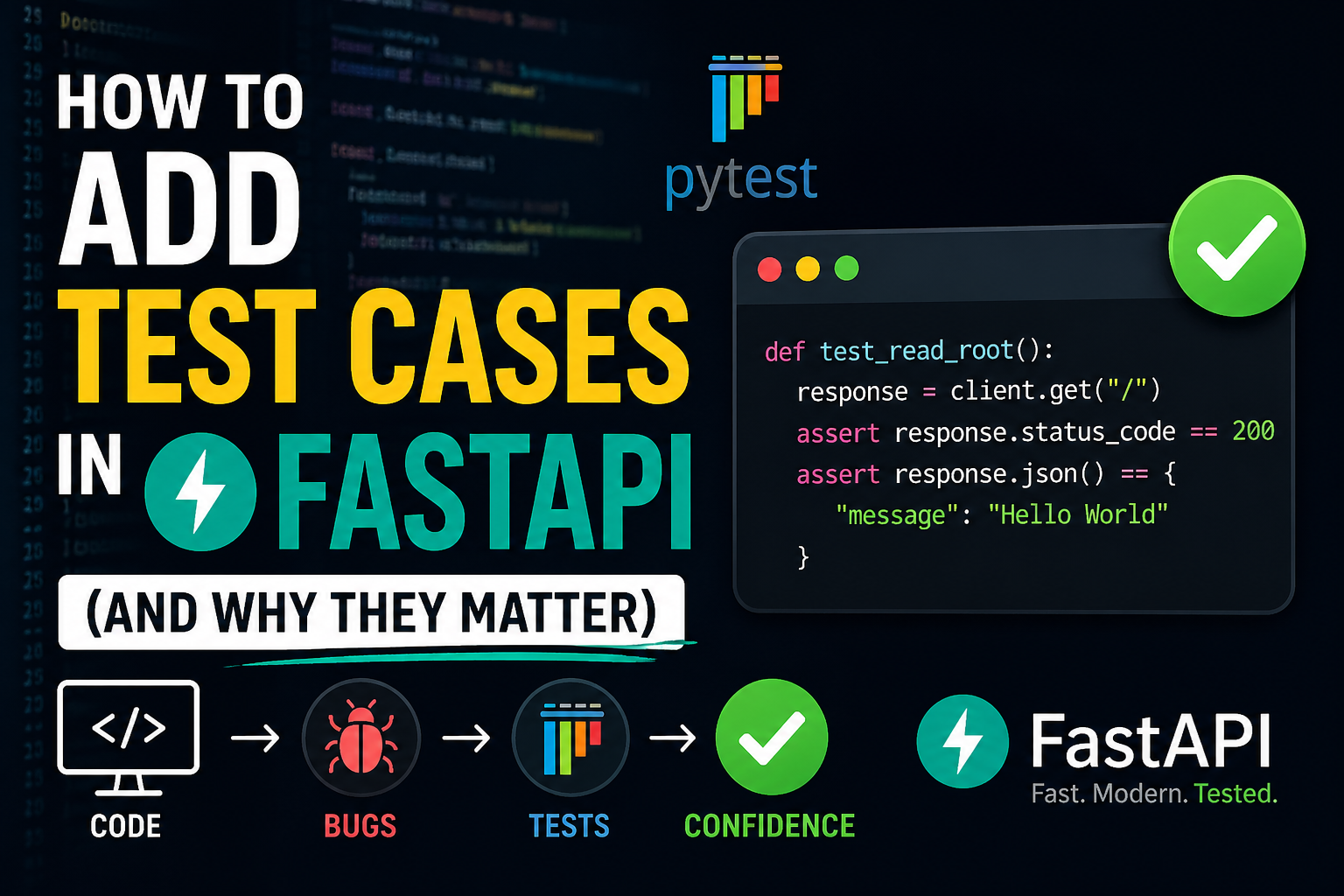
FastAPI makes it easy to build APIs quickly, but writing the API is only one part of a good backend project. A real project also needs tests. Test cases help us confirm that our endpoints work as expected, keep bugs from coming back, and give us confidence when we change code later.
In this blog, we will look at:
- why we use test cases in FastAPI
- what is necessary before writing tests
- how to organize tests in a separate
testsfolder - how to write a simple CRUD test
Why We Use Test Cases in FastAPI
When we build an API, many things can go wrong:
- an endpoint may return the wrong status code
- validation may stop working
- database changes may break old behavior
- one feature fix may accidentally break another feature
Test cases protect us from these problems.
Main benefits of testing
1. It checks that the API behaves correctly
If POST /products/ should create a product and return 201, a test confirms that behavior every time.
2. It prevents regressions
A regression means something that worked before stops working after a new code change. Tests catch this early.
3. It makes refactoring safer
If you want to improve folder structure, service logic, or database code, tests tell you if the external behavior is still correct.
4. It documents expected behavior
A good test file shows how the API is supposed to work. It becomes a living example for the team.
5. It saves debugging time
Finding a bug after deployment is expensive. Finding it with pytest during development is much easier.
What Is Necessary Before Writing FastAPI Tests
Before writing tests, we usually need a few things:
1. pytest
pytest is the most common testing framework in Python. It helps us write simple and readable tests.
2. TestClient
FastAPI provides TestClient so we can call API routes like a real client without starting the server manually.
from fastapi.testclient import TestClient3. A separate test database
We should not run tests on the main development database. Tests may create, update, and delete data. A separate SQLite test database is a common and safe choice.
4. Dependency override
If the app normally uses the real database connection, tests should override that dependency and use the test database instead.
5. A separate tests folder
Keeping tests inside a dedicated tests folder makes the project cleaner and easier to maintain.
A common structure looks like this:
app/
tests/
  conftest.py
test_product_crud.pyHow to Add Test Cases in FastAPI
Let us look at the basic setup.
Step 1: Install pytest
Add pytest to your project dependencies.
dependencies = [
    "fastapi[standard]>=0.136.1",
    "sqlalchemy>=2.0.49",
    "pytest>=8.4.2",
]Step 2: Create a tests folder
Inside the root of the project, create a separate folder:
tests/This keeps test files away from application logic and makes the project easier to navigate.
Step 3: Create conftest.py
conftest.py is useful for shared fixtures. In FastAPI, we often use it to:
- create a test database
- override the database dependency
- return a reusable
client
Example:
import sys
from pathlib import Path
from collections.abc import Generator

import pytest
from fastapi.testclient import TestClient
from sqlalchemy import create_engine
from sqlalchemy.orm import Session, sessionmaker

sys.path.insert(0, str(Path(__file__).resolve().parents[1]))

from app.core.database import get_db
from app.main import app
from app.models.product import Base

TEST_DATABASE_URL = "sqlite:///./test_products.db"

engine = create_engine(
    TEST_DATABASE_URL,
    connect_args={"check_same_thread": False},
)
TestingSessionLocal = sessionmaker(autocommit=False, autoflush=False, bind=engine)


def override_get_db() -> Generator[Session, None, None]:
    db = TestingSessionLocal()
    try:
        yield db
    finally:
        db.close()


@pytest.fixture()
def client() -> Generator[TestClient, None, None]:
    Base.metadata.drop_all(bind=engine)
    Base.metadata.create_all(bind=engine)
    app.dependency_overrides[get_db] = override_get_db

    with TestClient(app) as test_client:
        yield test_client

    app.dependency_overrides.clear()
This fixture gives each test a clean API client and isolates database usage.
Step 4: Write a test file
Now create a separate file like tests/test_product_crud.py.
Example:
from fastapi.testclient import TestClient


def test_product_crud_flow(client: TestClient) -> None:
    create_response = client.post(
        "/products/",
        json={
            "name": "Monitor",
            "description": "4K display",
            "price": "399.99",
            "quantity": 10,
        },
    )

    assert create_response.status_code == 201
    created_product = create_response.json()
    product_id = created_product["id"]

    get_response = client.get(f"/products/{product_id}")
    assert get_response.status_code == 200

    update_response = client.put(
        f"/products/{product_id}",
        json={
            "name": "Monitor Pro",
            "description": "4K display",
            "price": "449.99",
            "quantity": 8,
        },
    )
    assert update_response.status_code == 200

    delete_response = client.delete(f"/products/{product_id}")
    assert delete_response.status_code == 204
This single test checks the main CRUD flow:
- create product
- read product
- update product
- delete product
Step 5: Run the tests
Use pytest to run the separate test folder:
pytest testsOr, in this project setup:
uv run pytest testsWhat Should We Test in FastAPI?
When writing tests, do not only test the happy path. A better API test strategy includes:
1. Success cases
Example:
- product is created successfully
- product list returns
200 - delete returns
204
2. Error cases
Example:
- product not found returns
404 - invalid request body returns
422 - negative quantity is rejected
3. Validation rules
Example:
- empty
nameshould fail pricemust be greater than zero
4. Database behavior
Example:
- update really changes saved data
- delete removes the record
Why a Separate Test Folder Is a Good Idea
Using a separate tests folder is not required by FastAPI, but it is a strong best practice.
Benefits of a separate folder
- keeps application code clean
- makes tests easy to find
- supports shared fixtures with
conftest.py - works well with
pytest - helps the project scale as more features are added
If your project grows to users, orders, auth, and products, the tests folder becomes even more valuable.
Best Practices for FastAPI Testing
- keep tests small and readable
- use a test database instead of the real database
- reset test data between tests
- test both success and failure cases
- keep shared setup in
conftest.py - name test files clearly, such as
test_product_crud.py
Conclusion
Test cases are necessary in FastAPI because they improve reliability, reduce bugs, and make future changes safer. They are not just for large companies or complex projects. Even a small CRUD API becomes much easier to maintain when it has a good test setup.
The most important things you need are:
pytestTestClient- a separate test database
- dependency override
- a dedicated
testsfolder
With these pieces in place, you can confidently test your FastAPI application and grow the project without fear of breaking existing features.