Introduction
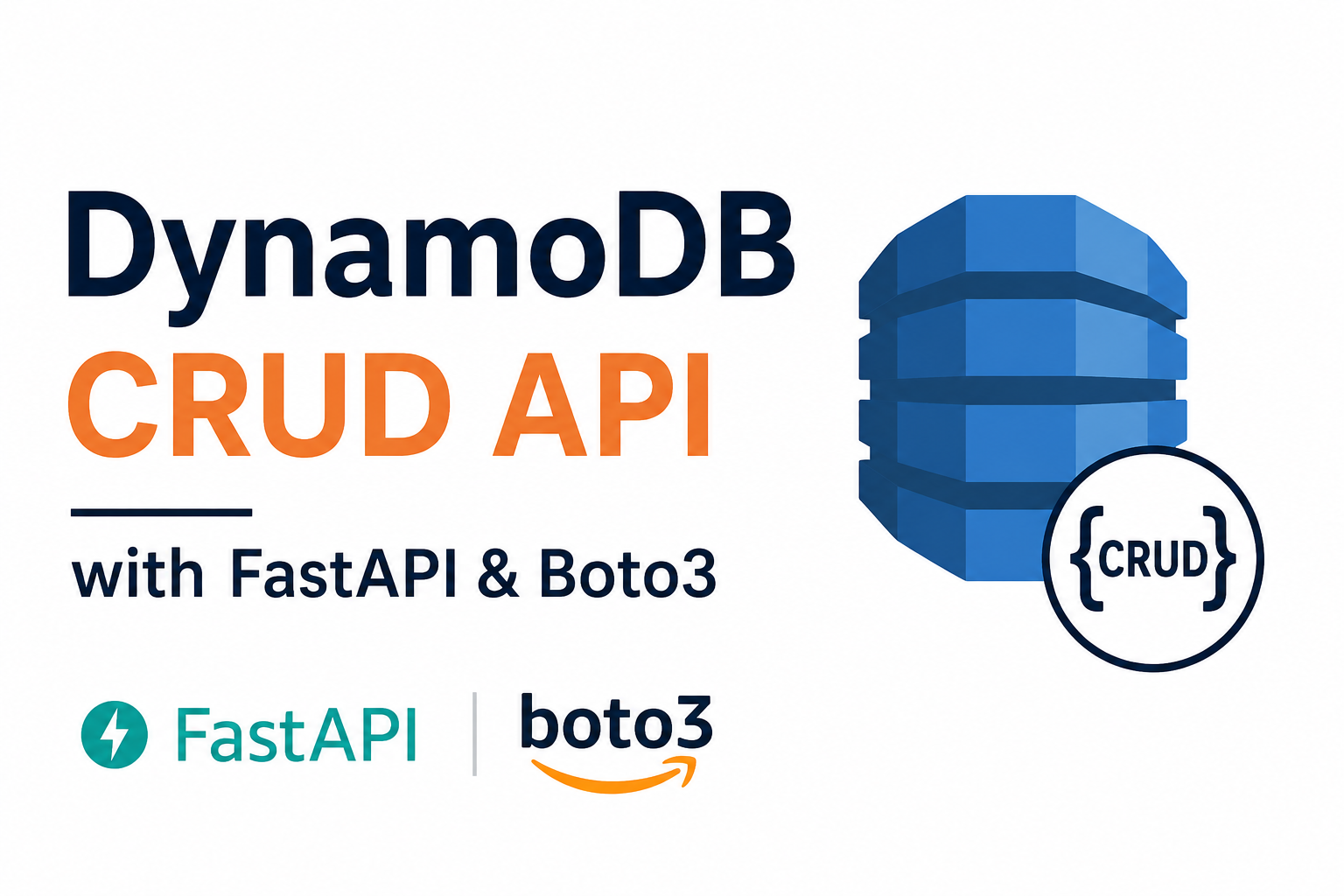
After learning Amazon EC2, IAM, S3 and API Gateway, I wanted to explore Amazon DynamoDB, AWS's fully managed NoSQL database service.
Instead of reading only the documentation, I decided to build a small FastAPI application that performs basic CRUD operations using boto3. During this process I learned how DynamoDB tables are designed, how Global Secondary Indexes work, how AWS authentication is configured locally, and how pagination works.
In this article, I'll walk through everything I learned while building my first DynamoDB application.
What is Amazon DynamoDB?
Amazon DynamoDB is a fully managed NoSQL database service provided by AWS.
Unlike PostgreSQL or MySQL, DynamoDB does not require you to manage servers, install database software, or configure replication. AWS handles all of that automatically.
DynamoDB supports both Key-Value and Document data models, making it suitable for applications that require high performance and automatic scaling.
Some common use cases include:
- User profiles
- Shopping carts
- Session storage
- Gaming leaderboards
- IoT applications
Creating an IAM User
Before connecting Python with DynamoDB, I created an IAM user that has permission to access DynamoDB.
For learning purposes, I attached the managed policy:
AmazonDynamoDBFullAccessAfter creating the IAM user, AWS generated:
- Access Key ID
- Secret Access Key
These credentials are required to authenticate from my local machine.
Configuring AWS CLI
After installing the AWS CLI, I configured it using:
aws configureAWS asks for four values:
AWS Access Key ID
AWS Secret Access Key
Default region name
Default output format
Example:
AWS Access Key ID: AKIAxxxxxxxxxxxxxxxx
AWS Secret Access Key: xxxxxxxxxxxxxxxxxxxxxxxxx
Default region name: us-east-1
Default output format: json
The credentials are stored locally.
On Windows:
C:\Users\<username>\.aws\credentialsAfter configuration, boto3 automatically reads these credentials.
Connecting to DynamoDB becomes very simple.
import boto3

dynamodb = boto3.resource(
    "dynamodb",
    region_name="us-east-1"
)Creating the Users Table
For this project, I created a simple Users table.
The primary key is:
idI also created two Global Secondary Indexes:
- EmailIndex
- UsernameIndex
These indexes allow users to be searched using either email or username.
Understanding AttributeDefinitions
When creating a DynamoDB table, AWS only needs to know the data type of attributes that are used as keys.
Example:
AttributeDefinitions=[
    {
        "AttributeName": "id",
        "AttributeType": "S"
    },
    {
        "AttributeName": "email",
        "AttributeType": "S"
    },
    {
        "AttributeName": "username",
        "AttributeType": "S"
    }
]
Notice that attributes such as first_name, last_name, and role are not included.
That's because DynamoDB is schema-less. Only attributes used as the table's primary key or index keys must be defined when the table is created.
Available attribute types are:
| Type | Meaning |
|---|---|
| S | String |
| N | Number |
| B | Binary |
Understanding KeySchema
Every DynamoDB table requires a primary key.
A primary key can consist of:
- Partition Key only
- Partition Key and Sort Key
AWS uses two names internally.
HASHrepresents the Partition Key.
RANGErepresents the Sort Key.
Example:
KeySchema=[
    {
        "AttributeName": "id",
        "KeyType": "HASH"
    }
]
This means that id is the partition key.
Understanding Global Secondary Indexes
A table can have only one primary key, but applications often need to search data in multiple ways.
For example:
- Find user by ID
- Find user by email
- Find user by username
To support these access patterns efficiently, DynamoDB provides Global Secondary Indexes (GSIs).
Example:
GlobalSecondaryIndexes=[
    {
        "IndexName": "EmailIndex",
        "KeySchema": [
            {
                "AttributeName": "email",
                "KeyType": "HASH"
            }
        ],
        "Projection": {
            "ProjectionType": "ALL"
        }
    }
]Understanding Projection
Projection determines which attributes are copied from the main table into the index.
ProjectionType = ALL
Projection={
    "ProjectionType": "ALL"
}
Every attribute is copied into the index.
This means querying the index returns the complete user document without needing another read.
ProjectionType = KEYS_ONLY
Only the primary key and index key are stored.
ProjectionType = INCLUDE
Only selected non-key attributes are copied into the index.
Creating the Table
dynamodb.create_table(
    TableName="Users",
    ...
)
The complete source code is available in my GitHub Gist.
Building CRUD Operations
After creating the table, I built a simple FastAPI application.
The API supports:
POST   /users
GET    /users
GET    /users/{id}
PUT    /users/{id}
DELETE /users/{id}
Each endpoint maps directly to a DynamoDB operation.
| API | DynamoDB Method |
|---|---|
| Create | put_item() |
| Read | get_item() |
| Update | update_item() |
| Delete | delete_item() |
| List | scan() |
Pagination with LastEvaluatedKey
Unlike SQL databases, DynamoDB does not use OFFSET.
Instead, it returns a LastEvaluatedKey.
If more items are available, this value can be passed back using ExclusiveStartKey to continue reading from where the previous request stopped.
Example:
response = table.scan(
    Limit=10
)

last_evaluated_key = response.get("LastEvaluatedKey")Things I Learned
While building this project, I learned several important DynamoDB concepts.
- DynamoDB does not automatically generate IDs.
- UUIDs should be generated by the application.
- Global Secondary Indexes improve query flexibility but do not enforce uniqueness.
Scanreads the entire table and should be used carefully.Queryis preferred whenever possible.- Reserved keywords such as
rolerequireExpressionAttributeNames. - Pagination uses
LastEvaluatedKeyinstead of SQL-style offsets. - DynamoDB tables are schema-less, so only key attributes are defined during table creation.
Source Code
The complete FastAPI CRUD project is available here:
GitHub Gist
https://gist.github.com/jobissjo/b5b98f485fc34c6b81c0e6e5664ad64b
Conclusion
Building this small project helped me understand the core concepts of DynamoDB far better than reading documentation alone. It also showed me how differently DynamoDB approaches data modeling compared to relational databases.
In the next part of my learning journey, I plan to explore querying with Global Secondary Indexes, conditional expressions, transactions, sort keys, and single-table design.
Jobi S S
admin
Sharing technical insights, engineering concepts, and practical modern software development guides.
Community Discussion
Enjoyed this read? Show your support or share your thoughts.