Mastering Asynchronous Tasks with Celery in Django
In modern web applications, performing long-running tasks in the request-response cycle is a performance killer. Whether it's sending emails, processing images, or generating reports, these operations should happen in the background. This is where Celery shines.
In this blog, we'll dive into how to use Celery's core features: delay(), apply_async(), and celery-beat with crontab to build a robust notification system.
1. The Simple Way: delay()
The delay() method is the most common way to trigger a Celery task. It's a shortcut for apply_async() that doesn't support execution options but is incredibly easy to use.
Example: Sending an Email
In our project, we use delay() to offload the actual email sending to a worker so the user doesn't have to wait for the SMTP server to respond.
# apis/tasks.py
@shared_task
def send_email_task(to_email, subject, template_name, payload=None):
    return send_email_with_smtp(
        to_email=to_email,
        subject=subject,
        template_name=template_name,
        payload=payload or {},
    )

# Triggering the task
send_email_task.delay(
    to_email="user@example.com",
    subject="Welcome!",
    template_name="welcome.html"
)2. Precision Scheduling: apply_async() with ETA
Sometimes you don't want a task to run now, but at a specific time in the future. For example, a meeting reminder should be sent exactly 30 minutes before the start time.
The apply_async() method allows you to pass an eta (Estimated Time of Arrival) or countdown.
Example: Scheduling Meeting Reminders
We use apply_async to schedule reminders based on the meeting's start time.
# apis/tasks.py
eta = meeting_date - timedelta(minutes=30)

if eta > now:
    task = send_meeting_notification_task.apply_async(
        args=[meeting.id, "reminder_30"],
        eta=eta,
    )
By providing an eta, Celery holds the task until the specified time before handing it to a worker.
3. Recurring Tasks: Celery Beat & Crontab
For tasks that need to run periodically—like daily reports or cleanup scripts—we use Celery Beat. It acts as a scheduler that kicks off tasks at defined intervals.
The crontab schedule is the most powerful way to define these intervals, mimicking the Unix cron syntax.
Configuration in settings.py
In our settings.py, we've configured a daily report to be sent to admins every day at 2:45 PM (14:45).
# celery_learn/settings.py
from celery.schedules import crontab

CELERY_BEAT_SCHEDULE = {
    "send-daily-meeting-report-to-admins": {
        "task": "apis.tasks.send_daily_meeting_report_to_admins",
        "schedule": crontab(hour=14, minute=45),
    },
}
This ensures that the send_daily_meeting_report_to_admins task is automatically triggered by the Beat service without any manual intervention.
Summary
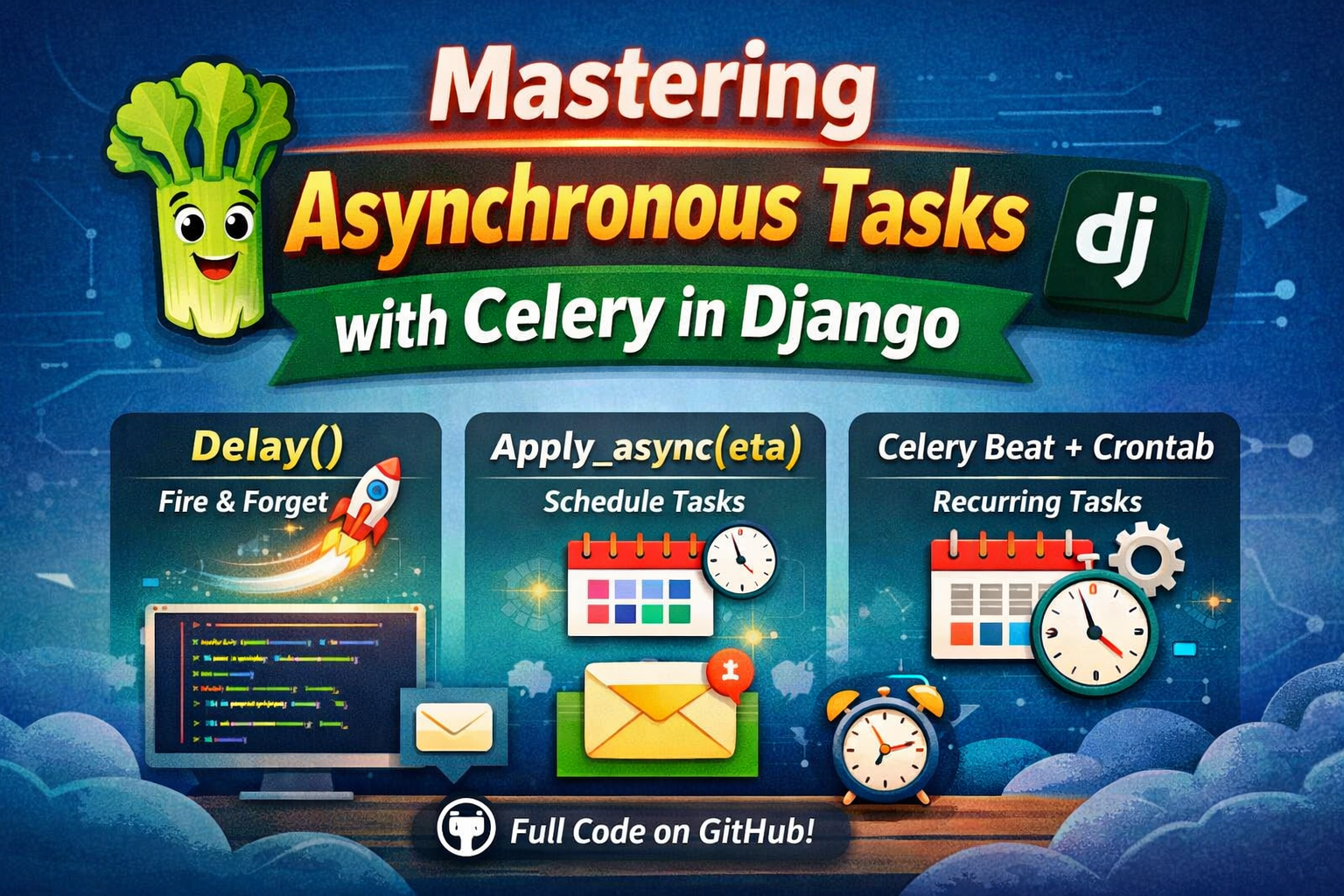
delay(): Quick and easy "fire and forget" background tasks.apply_async(eta=...): Scheduled tasks that run at a specific point in the future.Celery Beat + crontab: Recurring tasks that run on a fixed schedule.
Using these three patterns, you can handle almost any background processing requirement in your Django application.
🚀 Get the Full Code
Want to see this in action? Check out the full implementation, including Docker setup and a complete Django-Angular integration, on GitHub:
👉 Advanced Learning Repository
Happy Coding! 🎯