
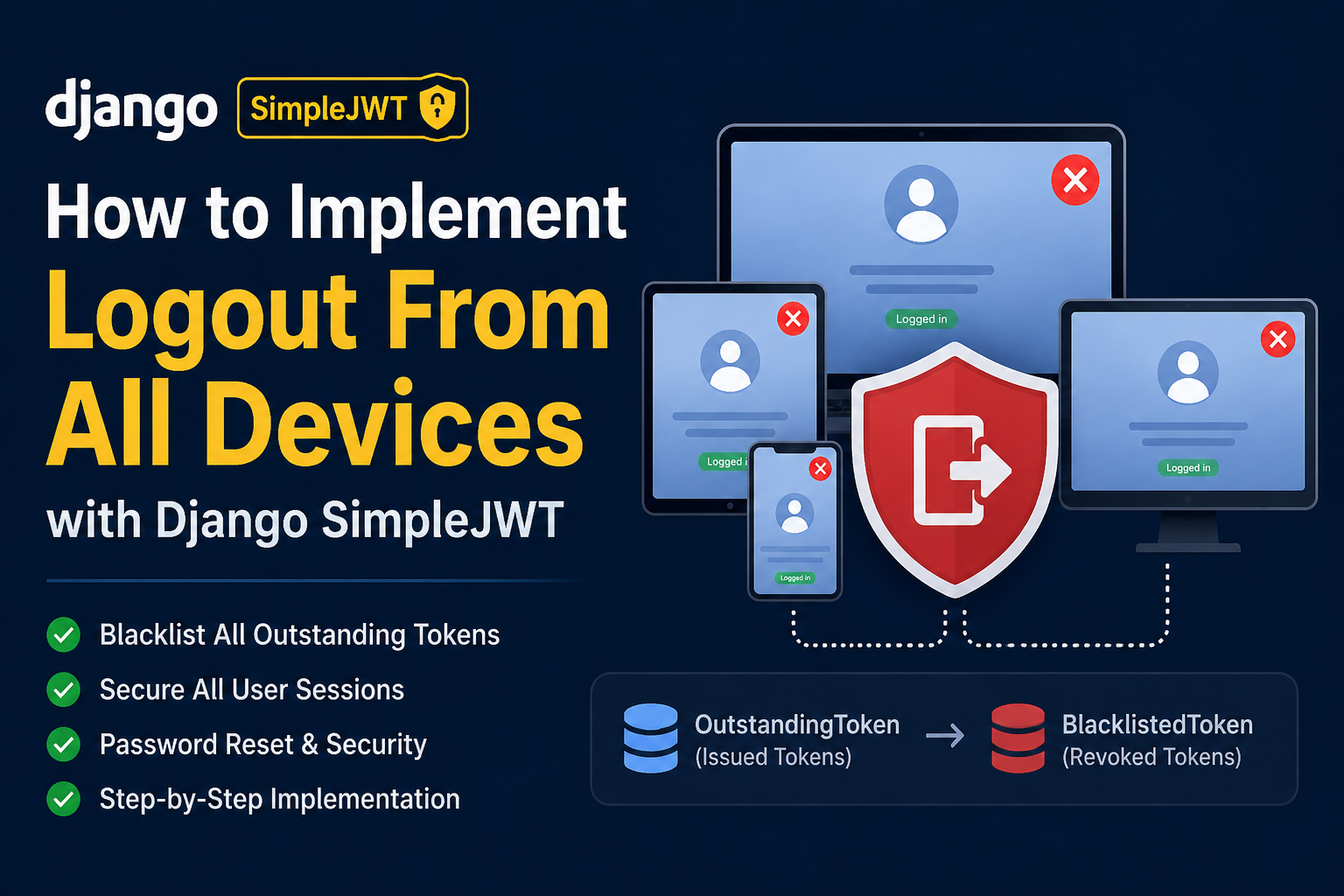
When a user logs out from one device, usually only the refresh token from that device is invalidated.
But sometimes users need to log out from every device where they are signed in.
For example:
- The user changed their password.
- The user forgot their password and reset it.
- The user suspects someone else accessed their account.
- An admin wants to revoke a user’s sessions.
- The user explicitly clicks Logout from all devices.
In this article, we will implement logout from all devices using Django REST Framework and SimpleJWT’s token blacklist app.
How SimpleJWT token blacklisting works
SimpleJWT provides a blacklist application:
rest_framework_simplejwt.token_blacklistWhen enabled, it stores refresh-token records in two database tables:
OutstandingToken— refresh tokens that have been issued.BlacklistedToken— refresh tokens that have been revoked.
When a refresh token is blacklisted, SimpleJWT will reject it when the client tries to use it to get a new access token.
Access tokens usually remain valid until they expire. This is why access tokens should have a short lifetime.
Step 1: Enable the token blacklist app
Add the blacklist app in settings.py.
INSTALLED_APPS = [
    # Django apps
    "django.contrib.admin",
    "django.contrib.auth",
    "django.contrib.contenttypes",
    "django.contrib.sessions",
    "django.contrib.messages",
    "django.contrib.staticfiles",

    # Third-party apps
    "rest_framework",
    "rest_framework_simplejwt.token_blacklist",
]
Then run migrations:
python manage.py migrateThis creates the tables required by SimpleJWT:
token_blacklist_outstandingtokentoken_blacklist_blacklistedtoken
Step 2: Configure short-lived access tokens
A blacklisted refresh token cannot generate a new access token.
However, an access token that was already issued can still be used until it expires. Because of that, keep access-token lifetime short.
from datetime import timedelta

SIMPLE_JWT = {
    "ACCESS_TOKEN_LIFETIME": timedelta(minutes=15),
    "REFRESH_TOKEN_LIFETIME": timedelta(days=7),
    "ROTATE_REFRESH_TOKENS": True,
    "BLACKLIST_AFTER_ROTATION": True,
}
With this configuration:
- Access tokens expire after 15 minutes.
- Refresh tokens expire after 7 days.
- Refresh tokens are rotated whenever a new access token is requested.
- Old refresh tokens are blacklisted after rotation.
Step 3: Create the logout-all-devices API
Import the required classes and models:
from django.db import transaction
from rest_framework import permissions, status
from rest_framework.response import Response
from rest_framework.views import APIView
from rest_framework_simplejwt.token_blacklist.models import (
    BlacklistedToken,
    OutstandingToken,
)
Create the API view:
class LogoutAllDevicesView(APIView):
    permission_classes = [permissions.IsAuthenticated]

    def post(self, request, *args, **kwargs):
        with transaction.atomic():
            outstanding_tokens = OutstandingToken.objects.filter(
                user=request.user
            )

            for token in outstanding_tokens:
                BlacklistedToken.objects.get_or_create(token=token)

        return Response(
            {
                "success": True,
                "message": "Successfully logged out from all devices.",
            },
            status=status.HTTP_200_OK,
        )
This endpoint finds every outstanding refresh token belonging to the authenticated user and blacklists each one.
The transaction.atomic() block ensures the database operation is handled as one transaction. If an error occurs while blacklisting a token, Django rolls back the complete operation instead of leaving only some tokens blacklisted.
After this endpoint is called, none of the user’s existing refresh tokens can be used to obtain new access tokens.
Step 4: Add the URL route
Add the route in urls.py.
from django.urls import path
from .views import LogoutAllDevicesView

urlpatterns = [
    path(
        "auth/logout-all-devices/",
        LogoutAllDevicesView.as_view(),
        name="logout-all-devices",
    ),
]
Now the endpoint is available at:
POST /auth/logout-all-devices/The request must include a valid access token.
Example header:
Authorization: Bearer <access_token>Step 5: Use it after password reset or password change
Logging out from all devices is especially useful after a password reset.
For example, after the user successfully resets their password:
user.set_password(new_password)
user.save()

outstanding_tokens = OutstandingToken.objects.filter(user=user)

for token in outstanding_tokens:
    BlacklistedToken.objects.get_or_create(token=token)
This ensures that refresh tokens from old devices can no longer create new access tokens.
You can also show a checkbox in the password-change screen:
[ ] Log out from all other devicesIf the user selects it, blacklist all outstanding refresh tokens after changing the password.
Important limitation: access tokens are not immediately revoked
This approach blacklists refresh tokens, not access tokens.
If a device already has a valid access token, it may continue to call protected APIs until that access token expires.
For better security:
- Use a short access-token lifetime, such as 10 to 15 minutes.
- Use refresh-token rotation.
- Store refresh tokens securely, preferably in HttpOnly cookies for web applications.
- Revoke all refresh tokens after password reset or suspicious activity.
Conclusion
Django SimpleJWT’s blacklist app provides a straightforward way to revoke refresh tokens across all devices.
The flow is simple:
- Enable
rest_framework_simplejwt.token_blacklist. - Run migrations.
- Find all
OutstandingTokenrecords for the user. - Create a
BlacklistedTokenrecord for each token. - Use the feature for logout-all-devices, password reset, password changes, or security incidents.
This is a useful security feature for any Django REST Framework application using JWT authentication.
Jobi S S
admin
Sharing technical insights, engineering concepts, and practical modern software development guides.
Community Discussion
Enjoyed this read? Show your support or share your thoughts.